Loading...
pwaProduct.badge
pwaProduct.title
pwaProduct.titleHighlight
pwaProduct.subtitle
pwaProduct.downloadspwaProduct.downloadsLabel
pwaProduct.ratedpwaProduct.ratedLabel
pwaProduct.freepwaProduct.freeLabel
pwaProduct.howTitle
pwaProduct.howSub
pwaProduct.step1Num
pwaProduct.step1Title
pwaProduct.step1Desc
pwaProduct.step2Num
pwaProduct.step2Title
pwaProduct.step2Desc
pwaProduct.step3Num
pwaProduct.step3Title
pwaProduct.step3Desc
pwaProduct.step4Num
pwaProduct.step4Title
pwaProduct.step4Desc
pwaProduct.featuresTitle
pwaProduct.featuresSub
📡
pwaProduct.feature1Title
pwaProduct.feature1Desc
🔒
pwaProduct.feature2Title
pwaProduct.feature2Desc
⚡
pwaProduct.feature3Title
pwaProduct.feature3Desc
📷
pwaProduct.feature4Title
pwaProduct.feature4Desc
🎤
pwaProduct.feature5Title
pwaProduct.feature5Desc
🔌
pwaProduct.feature6Title
pwaProduct.feature6Desc
🪟
pwaProduct.feature7Title
pwaProduct.feature7Desc
🤖
pwaProduct.feature8Title
pwaProduct.feature8Desc
🌐
pwaProduct.feature9Title
pwaProduct.feature9Desc
 pwaProduct.breadcrumb
pwaProduct.screenshotsTitle
pwaProduct.screenshotsSub
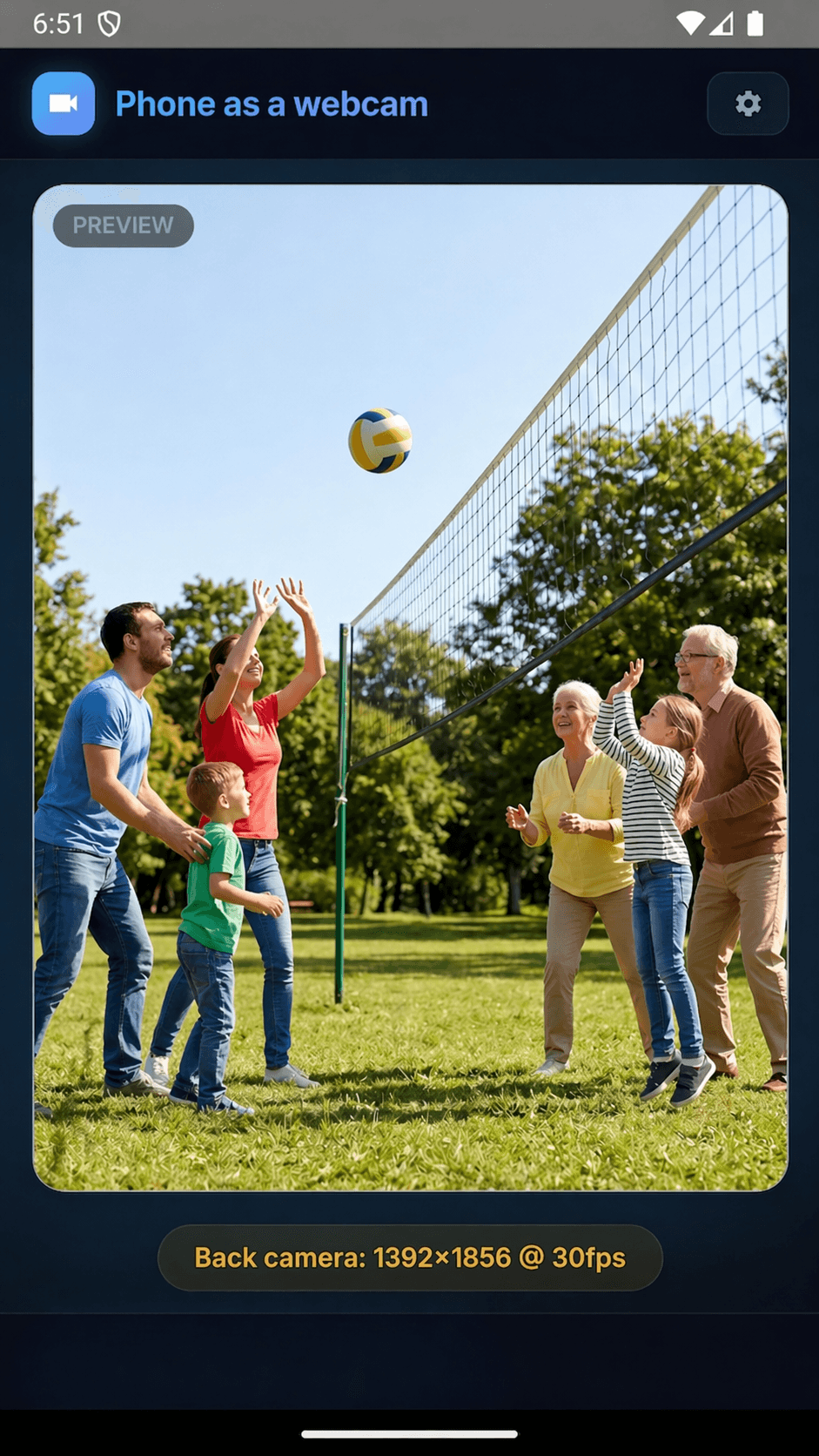
Live Camera View
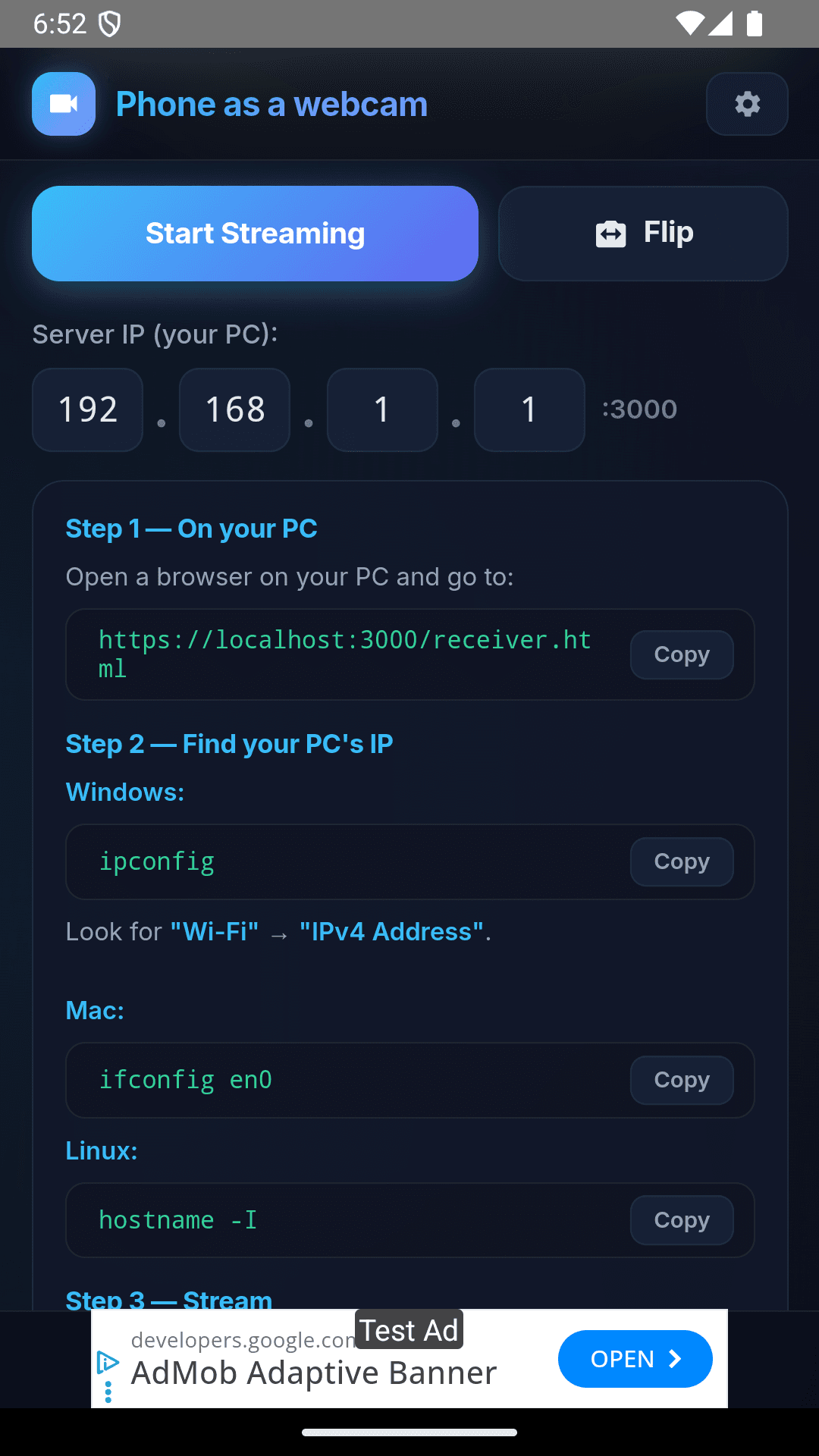
Camera Settings
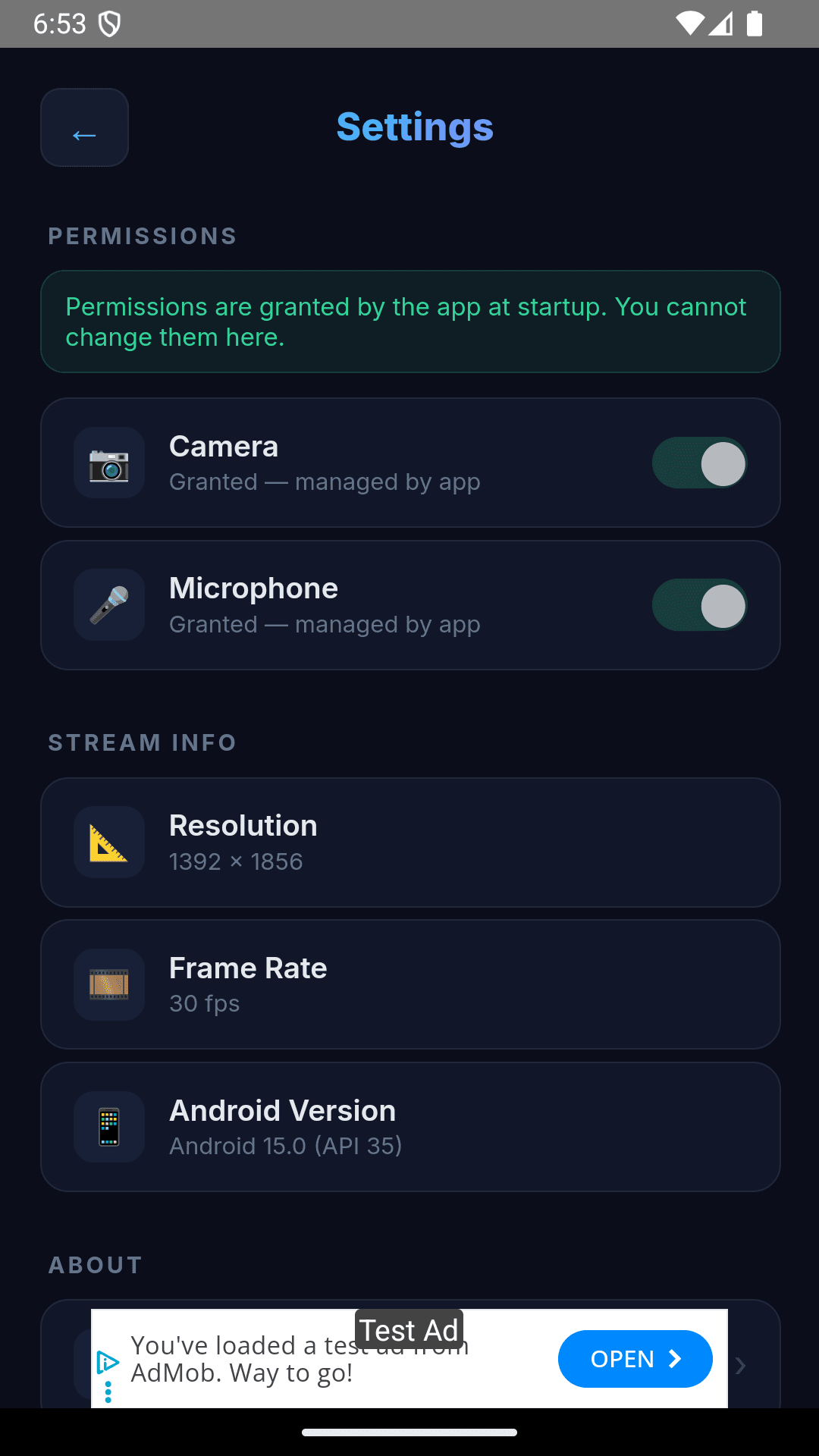
Connection Controls
pwaProduct.privacy1Title
pwaProduct.privacy1Desc
pwaProduct.privacy2Title
pwaProduct.privacy2Desc
pwaProduct.privacy3Title
pwaProduct.privacy3Desc
OPEN SOURCE & TRANSPARENT
Security Through Transparency
We believe in complete transparency. Our app is fully open source, allowing you to inspect every line of code to verify how it works and how your data is handled.
Open Source Code
The entire application is available on GitHub. Developers and security experts can review the code to ensure it's safe, efficient, and respects your privacy.
Privacy by Design
Your camera and microphone feed never leaves your local network. We don't collect, store, or transmit any of your data to external servers.
View Source Code on GitHub
Last updated: July 2024 • MIT License • Active community
pwaProduct.specsTitle
🖥️ pwaProduct.specsDesktop
- • pwaProduct.specsDesktop1
- • pwaProduct.specsDesktop2
- • pwaProduct.specsDesktop3
- • pwaProduct.specsDesktop4
- • pwaProduct.specsDesktop5
📱 pwaProduct.specsAndroid
- • pwaProduct.specsAndroid1
- • pwaProduct.specsAndroid2
- • pwaProduct.specsAndroid3
- • pwaProduct.specsAndroid4
- • pwaProduct.specsAndroid5
pwaProduct.setupBadge
pwaProduct.setupTitle
pwaProduct.setupSub
📋 pwaProduct.prereqsTitle
pwaProduct.prereq1
pwaProduct.prereq2
pwaProduct.prereq3
1
🖥️ Download and Install the Desktop App
- Click the "Download for Windows" button above to get the installer.
- The app is portable — simply double-click the downloaded EXE file to run it. No installation wizard required.
- When the app opens, it will listen for your phone on the local network and display a status indicator.
- You will see the interface ready to connect — keep this window open.
💡 Tip: Pin the app to your taskbar for quick access. Right-click the EXE → Pin to Taskbar.
2
📱 Install the Android App
- Tap "Get on Google Play" above, or search "Phone as a Webcam" in the Google Play Store.
- Install the app. It requires only camera and microphone permissions — nothing else.
- Open the app. You will see a camera preview along with Start/Stop controls.
💡 Tip: Grant camera and microphone permissions when prompted — the app cannot stream without them.
3
🔗 Connect the Devices
- Make sure both your phone and PC are connected to the same Wi-Fi network.
- On the desktop app, click the web address displayed in the interface. This will open your default browser with a connection page.
- Alternatively, type the address shown (e.g. http://192.168.x.x:8080) into your phone's browser.
- The connection page will show a live connection status. Once linked, proceed to the next step.
💡 Tip: If the desktop app shows no address, check that your firewall allows the app on the local network (private networks only).
4
🎥 Start Streaming
- With both devices connected, tap the Start button in the Android app.
- Choose your preferred camera — front or rear — from the app interface.
- Your camera feed will appear instantly in the browser on your PC.
- The stream runs over WebRTC with sub-8ms latency — ideal for video calls, recordings, and live streaming.
💡 Tip: For best quality, position your phone steadily using a tripod or phone stand. Avoid covering the camera lens.
5
💬 Use in Your Favorite Apps
- The camera feed appears in your browser as a video element. Use browser window capture in apps like OBS Studio, Zoom, or Microsoft Teams.
- In OBS: Add a new Window Capture source → select the browser window showing your feed.
- In Zoom / Teams: Use the Screen Share feature and select the browser window.
- The audio from your phone's microphone is also streamed — select it as your microphone input if needed.
💡 Tip: Resize the browser window to crop or frame your video as needed before capturing it in other apps.
pwaProduct.ctaTitle
pwaProduct.ctaDesc
pwaProduct.lastUpdated
pwaProduct.needHelp
Book a free consultation to discuss custom streaming solutions, white-label options, or technical support.
common.freeConsultationArrow